 By Suzaan · Updated July 2026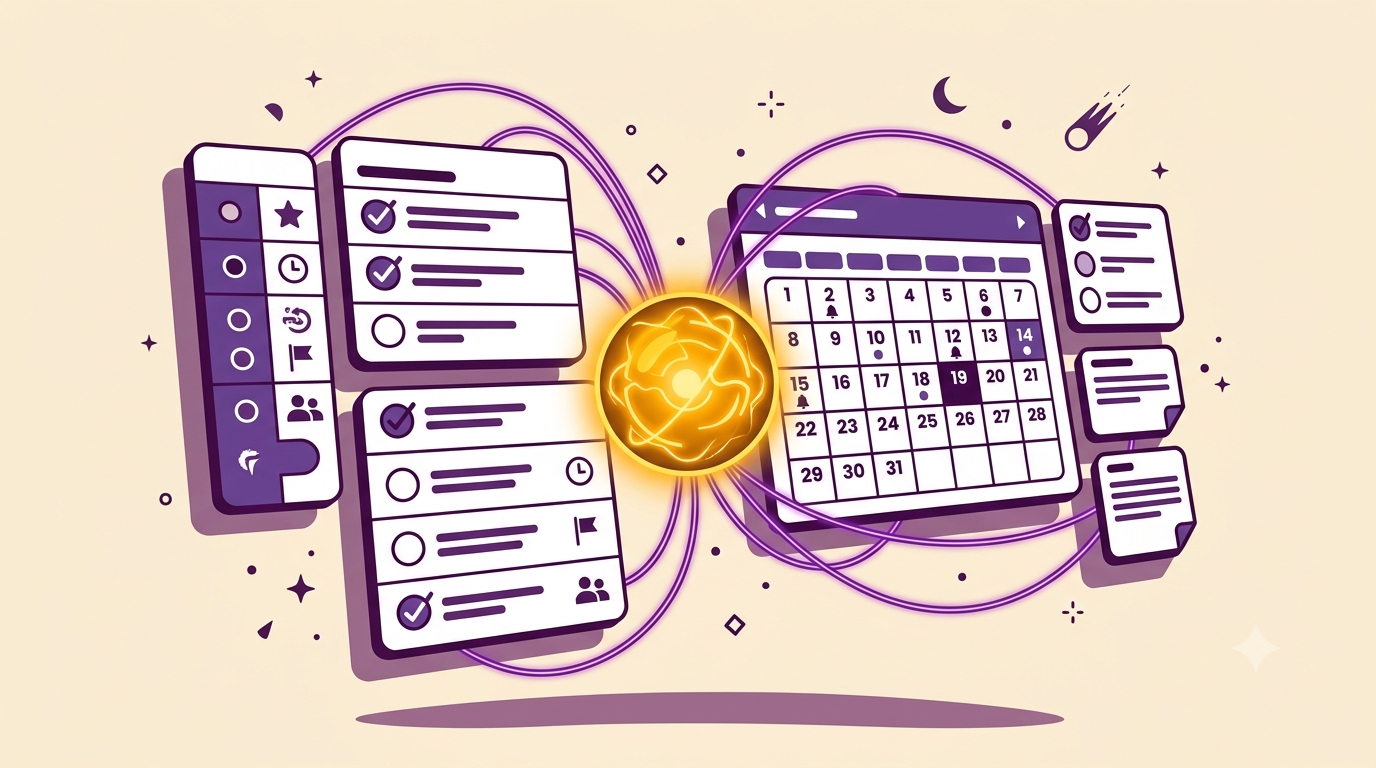
At one point, running my freelance work meant opening a task app, a separate notes app, a calendar app, a habit tracker, a budgeting app, and a content-idea app I'd downloaded during a burst of motivation and used twice. Six apps, six logins, six places something important could be sitting unread.
None of them were bad apps. That was never the problem. The problem was that my actual work was scattered across all of them, and finding anything meant remembering which app I'd put it in — which, on a busy day, I never did.
App-hopping isn't a discipline problem, it's a retrieval problem — the cost isn't using six tools, it's the mental tax of remembering which one has what you need, every single time.
Why adding a "better" app never actually fixed it
For a while, my answer to feeling scattered was to find a better app. A sleeker task manager. A more "intuitive" notes tool. Each one solved its own narrow job well and made the overall picture worse, because now there were seven places to check instead of six.
The fix was never a better individual tool. It was accepting that the scattering itself — not any single app's features — was the actual problem.
What I actually consolidated, one page at a time
I didn't do this in one weekend. Trying to migrate everything at once is how most consolidation attempts die halfway through. Here's the order that actually stuck:
- Start with the app you check most out of habit, not the one that annoys you most. For me that was my task app — checked ten times a day from pure habit. Moving it first meant the habit transferred to Notion almost immediately.
- Rebuild it as a single database, not a mirror of the old app's structure. Don't recreate every feature you had — most of them weren't being used anyway. Build the three or four fields you actually touched daily.
- Give the old app a two-week grace period, then delete it. Keep it installed but stop opening it. If you haven't missed it in two weeks, it wasn't essential — delete it and remove the temptation to split your attention again.
- Repeat with the next most-used app, not all of them at once. Each migration is easier than the last because you already trust the destination.
- Link the pieces together as you go, not upfront. A calendar view that pulls from your task database. A notes page linked to your client tracker. The connections matter more than the individual pages.
The one app I kept, on purpose
I didn't consolidate everything. Email stayed separate — trying to force email into Notion creates more friction than it removes, since email fundamentally works differently from a database. The rule I landed on: consolidate anything that's fundamentally a list, a note, or a record. Leave anything that's fundamentally a conversation where it already lives.
| Moved into Notion | Left where it was |
|---|---|
| Tasks and to-dos | Email and DMs |
| Notes and ideas | Real-time chat with clients |
| Habit and goal tracking | Video calls and scheduling links |
| Client records and pricing | Payment processing |
Before adding a new app, ask what existing page it could become instead. Most "I need a new tool for this" moments are actually "I need a new page in the tool I already have."
Frequently Asked Questions
Isn't it risky to keep everything in one tool?
It's a fair concern — the tradeoff is fewer places to check versus a single point of failure. Notion's export options and version history reduce that risk, and for most solo freelancers, the daily cost of scattered tools outweighs the rare risk of a single-tool outage.
How long did the full migration actually take?
Spread across about six weeks, migrating one app at a time rather than all at once. Trying to do it in a weekend is usually what causes people to abandon the whole idea halfway through.
What about apps with features Notion doesn't have, like invoicing?
Some tools are worth keeping for a specific function Notion genuinely can't replace — invoicing and payments are a common example. The goal isn't zero other apps, it's removing the ones that were really just scattered notes and lists wearing a different interface.
Do I need the paid Notion plan for this?
No — everything described here works on Notion's free plan. The consolidation is about structure, not a paid feature.
The One-Page System
The complete workspace that replaced 23 separate setups and 6 apps — tasks, notes, habits, and client records connected in one place, built exactly the way described in this post.
Get the full system →